
From WordPress to Drupal
When switching is actually worth it.
I migrate your content, structure and SEO value without data loss, with an approach that surfaces risks upfront.
Discuss your migration

Switching from WordPress to Drupal isn't an improvement for most sites.
If your site runs, is up to date, and does what you need, a migration costs money without a result.
The switch pays for itself when your content structure, your languages, your permissions or your integrations start hitting the limits of WordPress.
I make that call first, before a single line of code gets written.
When you shouldn't switch
A well-running blog or a straightforward business site belongs on WordPress.
WordPress is a solid system for that, with plenty of ready-made functionality, and the migration cost never pays for itself.
I'd rather say that before the job than after.
- ✓ You have a blog or news site with articles, categories and an author per piece.
- ✓ Your business site has twenty to fifty pages, one language and two people working on it.
- ✓ Your site is fast, up to date, and someone handles the updates.
- ✓ You mainly want a new design, since that's possible within WordPress.
- ✓ You have no technical profile in-house and no budget for maintenance, since Drupal needs more of both.

The choice isn't about which platform is better, but about what your site needs to be able to do.
I worked out that comparison in Drupal versus WordPress.
If that shows WordPress is enough, the conversation stops there.
The real reasons to switch
A switch is defensible once WordPress starts moving work around instead of solving it.
Five triggers come up repeatedly, and usually two or three apply at once.
Content structures with relationships
WordPress knows posts and pages, everything beyond that comes from plugins.
Once you're linking products to projects to locations with custom post types, ACF field groups and three relationship plugins, you're building a content model on top of a system that wasn't meant for it.
Drupal has entities, fields, taxonomy and entity reference in its core, so relationships are configuration, not construction.
You only notice that difference by the third extension.
Multilingualism
Multilingualism sits in Drupal core, in WordPress it's a plugin.
Keeping Dutch, French and English side by side means fields, menus, taxonomy terms, settings and interface text each need a translation, with their own workflow and revision history.
Drupal handles that per field and per entity.
With more than two languages, or an editorial team that works differently per language, this is often the argument that makes the rest unnecessary.
Permissions and workflows
Not every editor should be able to do everything, and Drupal lets you configure that with fine granularity.
Permissions apply per entity type, per bundle, per field and per workflow state.
With Content Moderation and Workspaces you can keep draft, in review and published existing side by side, have changes approved by someone else, and put a whole set of changes live in one go.
For an organisation with a communications department and local editors, that's the difference between agreements and enforceable rules.
Integrations beyond what a plugin can do
Connections to an ERP, a CRM, a PIM or a membership system are custom work, not a plugin.
Drupal gives you a service container, a queue and cron mechanism, its own import layer and JSON:API in core, so you build an integration as code that lives in Git, goes through code review and can be tested.
A plugin landscape where three different parties each manage a piece of your data flow is less durable than code you own.
Scale
Scale is about editorial workload and data volume, not just visitor numbers.
Tens of thousands of nodes, dozens of editors, hundreds of listings with filters and facets, and a caching strategy that's right per component: that's where Drupal, with Views, cache tags and BigPipe, stays predictable.
At five hundred pages and a thousand visitors a day, scale isn't the argument.
What doesn't come along: your plugins
Plugins don't migrate, because they only exist within WordPress.
What a plugin did for you, you rebuild in Drupal with core or with a contrib module, and that's usually the smallest part of the work.
The most common translations:
- Yoast or Rank Math becomes the Metatag module, with your existing titles and meta descriptions carried over to the metatag fields.
- WPML or Polylang becomes the multilingualism built into Drupal core.
- ACF becomes fields on entities, with no extra module needed.
- Contact Form 7 or Gravity Forms becomes Webform.
- A page builder becomes Paragraphs or Layout Builder, and that's a design decision, not a module install.
- A caching plugin becomes the caching built into core, with cache tags and BigPipe.
The real work is in the plugins without an equivalent.
Those become custom work, or they get dropped because no one uses them anymore.
Which of the two it is gets decided during the assessment, and that's also where one of the biggest cost items sits.
My approach: assess, model, migrate, verify
A migration is a data project with a deadline, not a rebuild with a copy action bolted on.
Four steps, and the first determines whether the other three are needed.
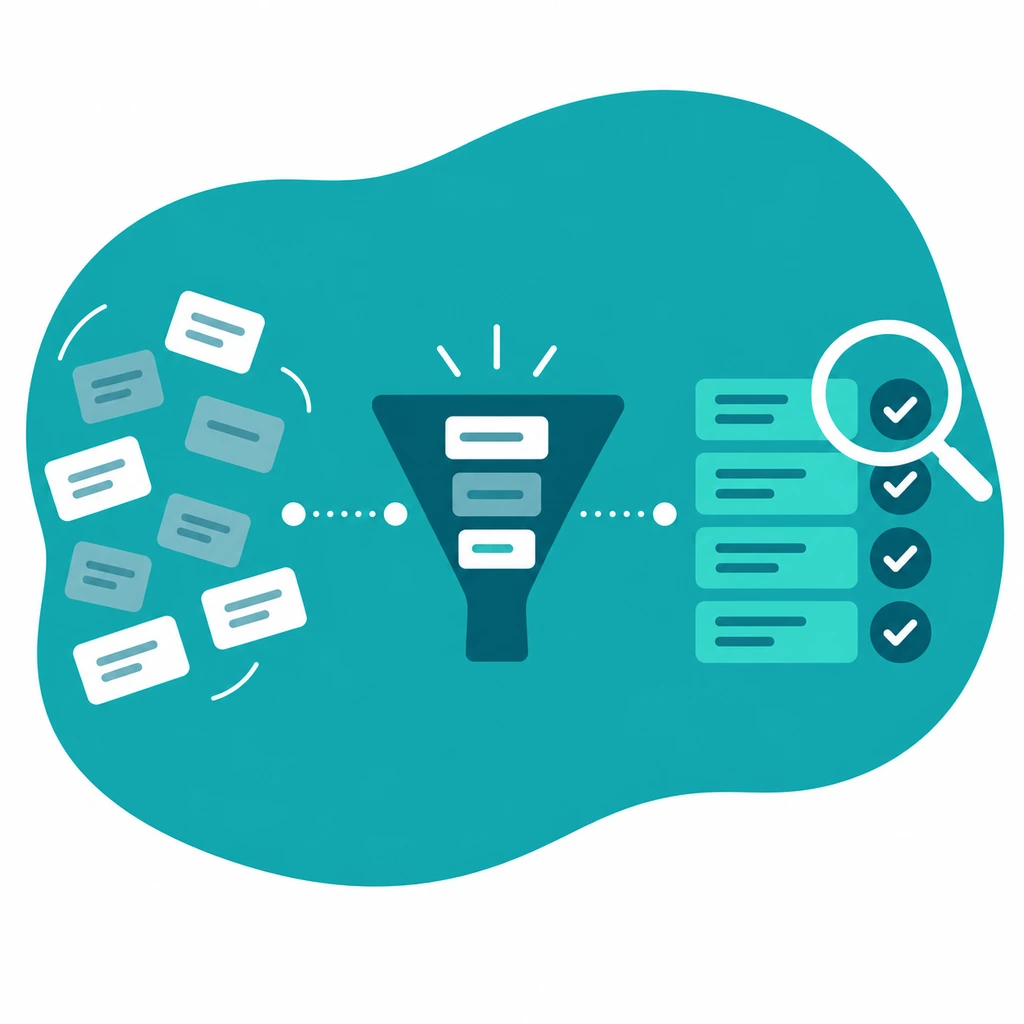
- Assessment. Mapping all post types, taxonomies, ACF field groups, plugins and templates, plus the full URL list from the sitemap, Search Console and the server logs.
Result: what needs to move over, what's dropped, and where the custom work sits, ranked by impact. - Content model in Drupal. The model redesigned in entities, bundles and fields, instead of rebuilding the WordPress structure one to one.
This is where the switch pays off, because skipping this step means carrying your old limitations onto a more expensive platform. - Migration as code. The Migrate API sits in Drupal core, and with Migrate Plus and Migrate Tools on top, the migrations live as configuration in Git.
That makes them repeatable, reversible and testable.
For blog content there's the contrib module wordpress_migrate, which reads in a WXR export, but it doesn't have a stable release yet.
I usually write my own source plugins straight against the WordPress database, because a WXR export loses ACF fields and relationships. - Verify and repeat. The migration runs dozens of times before it's final.
Comparing counts per content type, spot checks on fields and internal links, and on the day of the switch, a fresh import from the latest WordPress state.
The broader migration process, including upgrades of existing Drupal sites, is on Drupal migration and upgrade.
The approach is the same, only the source differs.
URL structure and redirects: what protects your rankings
Preserving your URL structure as much as possible is the safest choice.
Pathauto generates paths per content type, so you can mirror the existing permalink structure.
It's rarely fully identical: trailing slashes, feeds and query URLs like /?p=123 get caught with 301 redirects.
Pathauto is a stable contrib module and supports Drupal 11.
Where a URL does change, it needs a 301 pointing directly to the new page.
The Redirect module manages those redirects, and the bundled Redirect 404 submodule logs which old addresses are still being requested, so you still catch forgotten cases after go-live.
I don't leave redirect chains in place: every old URL points to its destination in one step.
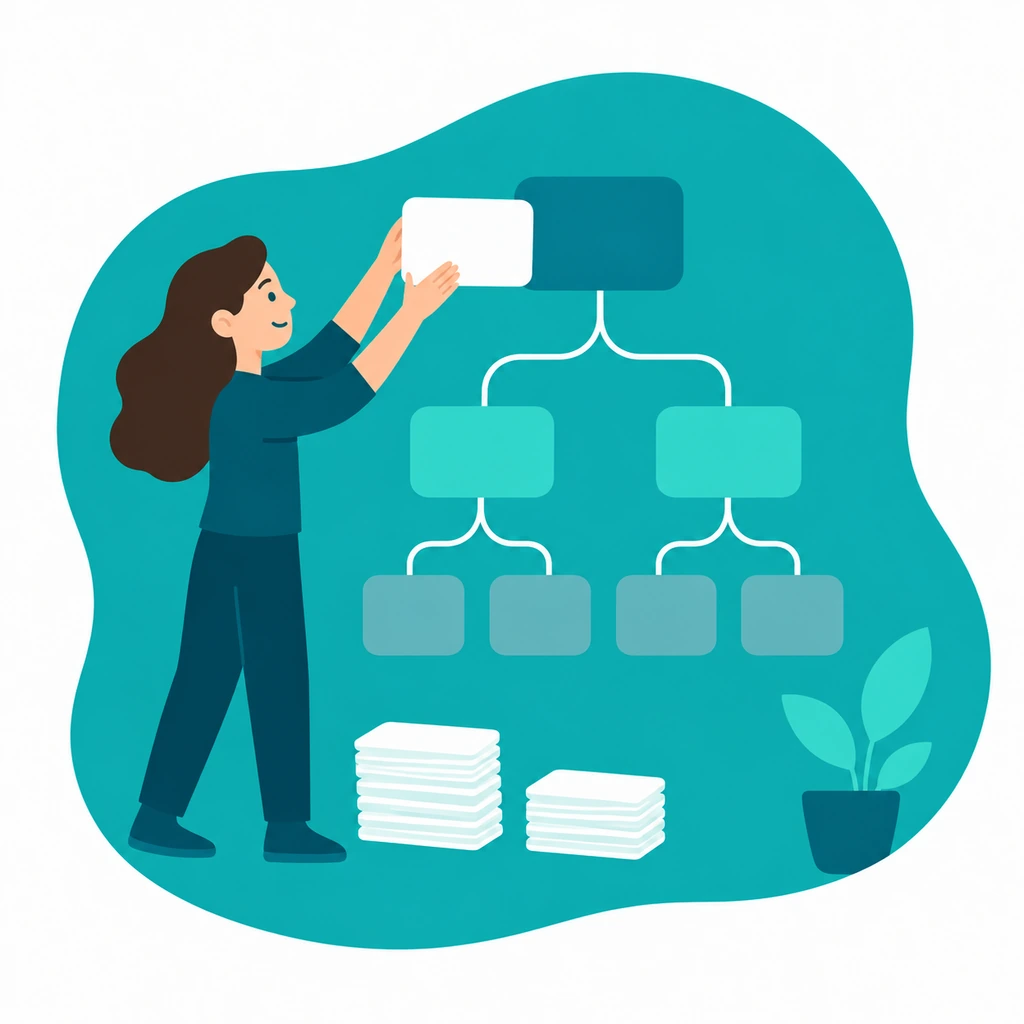
Delivery includes a new sitemap, correct canonicals, a checked robots.txt, and the titles and meta descriptions from Yoast or Rank Math carried over to the metatag fields.
Loss of visibility almost always comes from one of those four, not from the CMS.
More on that under technical SEO.
Your domain name itself doesn't move with the CMS, it stays put and points to the new hosting on the day of go-live.
The steps to take before, during and after the switchover to keep your rankings are laid out in migrating your website without losing your search visibility.
Media and attachments
Media is usually the messiest part of a WordPress migration.
In WordPress, images are attachments with their own posts, often duplicated, sometimes hard-coded into the content.
In Drupal, those become media entities with fields, so alt text, rights and reuse only become manageable at that point.
Concretely: moving files over while preserving the path where possible, converting attachments to media entities, rewriting inline image references to embeds, and redefining image styles so you serve modern formats at the right dimensions.
Missing alt text surfaces here, and it's better to fill that in during the migration than afterwards.
Bringing accessibility along from the start
A migration is the cheapest moment to fix accessibility, since you're touching every template anyway.
The European Accessibility Act, directive 2019/882, has applied since 28 June 2025, and the standards are WCAG 2.2 level AA and EN 301 549.
Drupal core delivers correct semantics and an admin environment that works with keyboard and screen reader, but your theme and components determine most of it.
Whether your site falls under it depends on what you offer, so have that checked legally.
More on that under digital accessibility.
Which Drupal version you land on
You end up on Drupal 11, currently 11.4.x.
Building new on Drupal 10 no longer makes sense, since Drupal 10 loses support on 9 December 2026.
There's no need to wait for the next version, since the path from 11 to 12 is a normal upgrade within the same architecture.
How that kind of version upgrade of an existing Drupal site works is on Drupal migration and upgrade.
What the switch costs
A price without an assessment is a guess, and I don't give those.
What determines the cost: the number of content types and fields, the number of languages, the plugins needing custom work, how much the design gets reused, and above all the state of your data.
A thousand blog articles with a fixed field pattern are simpler than two hundred pages that are each structured differently.
My rates are 75 to 95 euros per hour or 650 to 800 euros per day, excluding VAT, lower for long engagements and returning clients.
For comparison: Belgian Drupal freelancers list rates on Malt between 400 and 600 euros per day with a median around 550 euros, the broader Belgian IT freelance market sits around 710 euros per day, and Freelance.nl quotes 70 to 90 euros per hour for the Netherlands.
The full explanation is on rates, and how that kind of day rate is built up in what a freelance Drupal developer costs.
The assessment itself is a bounded assignment of a few days and delivers a list of what migrates, what becomes custom work, and where the risk sits.
After that you know what it costs, and also whether it's worth it.
Both outcomes are a valid result.
Why work with me
I've worked with Drupal for more than ten years, as a freelance architect based in Herk-de-Stad for clients in Belgium and the Netherlands.
I step into your existing Git flow, follow the conventions already in place, and take part in code review.
Getting up to speed quickly in a messy WordPress database comes with the job.
What I've delivered before is under cases, updates and follow-up after go-live under Drupal maintenance and support, and the broader technical management under technical management.

Want to know if a switch makes sense for your situation, send the URL of your current site and what isn't working.
I'll look at your request and usually give you honest advice or an estimate of the possibilities within 24 hours via contact.
Frequently asked questions
How can I migrate my WordPress website?
Via Drupal core's Migrate API, with Migrate Plus and Migrate Tools on top, the migrations sit as configuration in Git and are therefore repeatable.
For blog content there's the contrib module wordpress_migrate, which reads in a WXR export, but it doesn't have a stable release yet.
For ACF fields and relationships I write custom source plugins against the WordPress database, since a WXR export loses those.
The migration then runs dozens of times on a test environment.
Do my WordPress plugins carry over to Drupal?
No, plugins only work within WordPress.
What a plugin did for you gets rebuilt in Drupal with core or a contrib module: Yoast or Rank Math becomes Metatag, WPML becomes the multilingual support from core, ACF becomes fields on entities, Contact Form 7 or Gravity Forms becomes Webform, and a caching plugin becomes the caching from core.
The real work is in the plugins without an equivalent: those become custom code or they're dropped.
Which of the two it is, the inventory determines.
Can my current WordPress design carry over?
Your theme doesn't carry over, since Drupal uses Twig templates and builds components differently.
The design itself can carry over: house style, typography and the structure of your pages can be rebuilt, and that's usually also the moment to replace a page builder with Paragraphs or Layout Builder.
If you mainly want a new design and nothing else, that on its own isn't a reason to move away from WordPress.
What happens to my WordPress users and comments?
Users get carried over as user entities with their roles, but passwords in practice don't carry over, so everyone sets a new password after the switch.
Comments are a core entity in Drupal, so they migrate along with their reference to the right article.
A migration is also the moment to clean up, since spam and never-approved comments are better left behind.
Is WordPress reliable?
Yes, for what it's meant for.
WordPress runs a large part of the web, the core itself is solid, and the vulnerabilities mostly sit in plugins and themes that are no longer maintained.
So the risk grows with the number of plugins, not with WordPress itself.
That's also why a site with five plugins has no reason to switch, while a site with forty-five plugins is worth the conversation.
What are the most common problems with WordPress?
Plugin dependency and everything that follows from it.
Functionality managed separately by three different parties, updates that break each other, abandoned plugins without security follow-up, and a content model stretched with custom post types and field plugins into something nobody oversees anymore.
On top of that comes slow load times from stacked-up CSS and JavaScript.
None of those problems automatically calls for a migration, but together they make your maintenance unpredictable.
How do you back up your WordPress website?
A full backup consists of two parts: a dump of the MySQL database and the complete wp-content folder with your uploads, themes and plugins.
For a migration I take both at the same moment, since the database alone gives you content without files.
More important than the backup itself is that you actually restore it on a test environment once, because a restore procedure that's never been run is not a restore procedure.
A question about this topic?
Briefly describe your situation, and I'll let you know what's going on and what it would cost. No sales pitch.